Beautiful previews
Automatically.
Create covers for your posts and pages on social media automatically: one consistent brand style, less manual work, and polished previews for every link.
WordPress data → a finished cover
"author": "Rebecca Szkutak"
"category": "AI"
"bg_image": "https://your.domain.com/wp-content/uploads/2026/04/hero-bg.jpg"

Without ogCover
- Manual cover design in a graphics editor
- Same preview image for every page
- Headless Chromium: high latency and load
- Inconsistent preview styling across pages
С OGCOVER
- One template, many image variants
- Different data, consistent layout
- Rendering without a browser in production
- Shared grid and typography
Three simple steps
From a template to automatic covers — no coding, no hand-making every image.
Choose a template or create your own
Dozens of ready layouts in the library — like one? Copy it in one click. Need your own style? Build a template in the visual editor in minutes.
Connect your site
On WordPress — install the plugin and pick your template. On other sites — a short setup from Help in Studio, no building from scratch.
Done — covers create themselves
Every page gets its own social preview. New post — new cover, with no manual steps.
Everything you need for social previews
Editor, templates, WordPress, and automation — without hand-making an image for every link.
Visual editor
Lay out text, images, and backgrounds with a live preview — like a simple design tool. No separate file per post.
WordPress in minutes
Install the plugin, add your access key from Studio, choose a template — previews update for posts and pages automatically.
Fully automatic
One template powers your whole site. A new article or page gets its own cover when someone shares the link — no extra clicks.
Ready-made templates
Browse the library and copy a layout in one click, then tweak colors and text to match your brand.
Built for sharing
Covers are created quickly so link previews look crisp in messengers and social feeds when readers pass your URL around.
Consistent look
The same typography and layout rules for every URL you share — people recognize your site before they tap.
Templates from the library
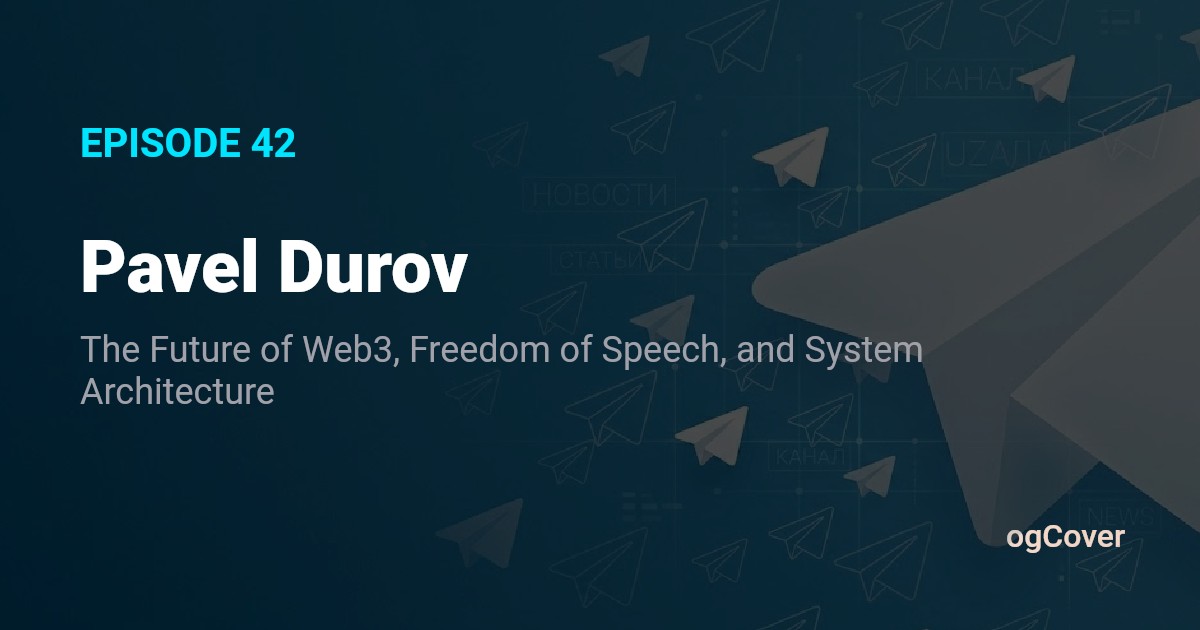
Real public templates — clone one and adapt it to your brand.


Common questions
Straight answers about previews, WordPress, and how to get started.
What does ogCover do?
Do I need WordPress?
What’s included in the free plan?
How are images rendered?
Can I match my brand?
Try it now
Free. No card. 50 bonus covers when you sign up. First template in about 5 minutes.