When someone shares your pageShow more
Show more
than a headline.
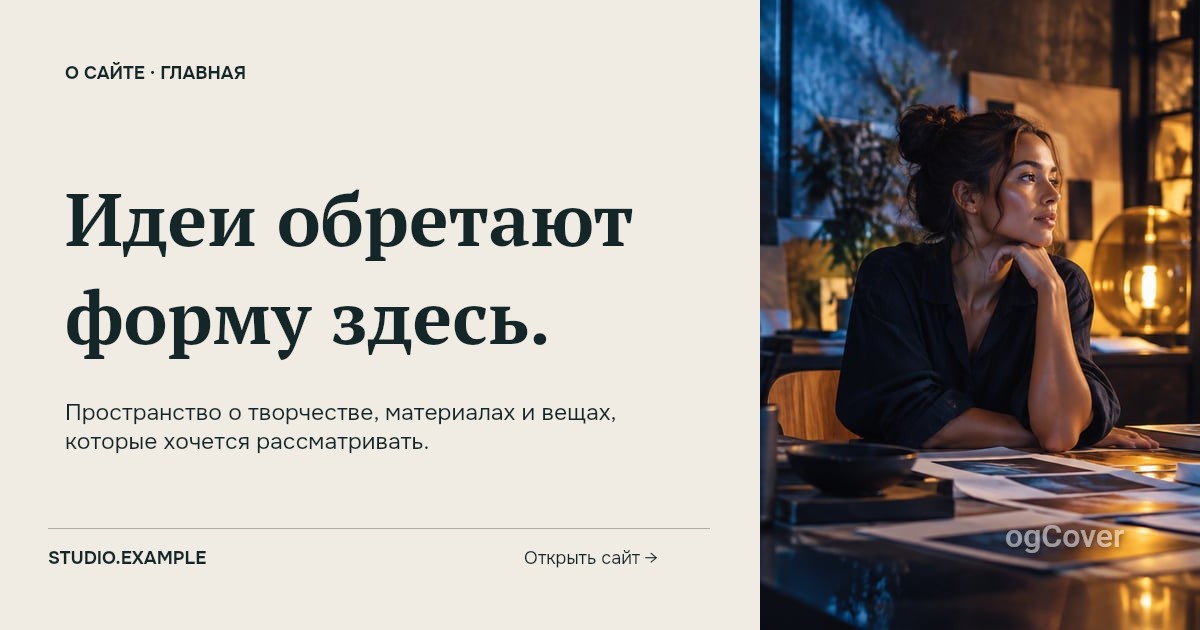
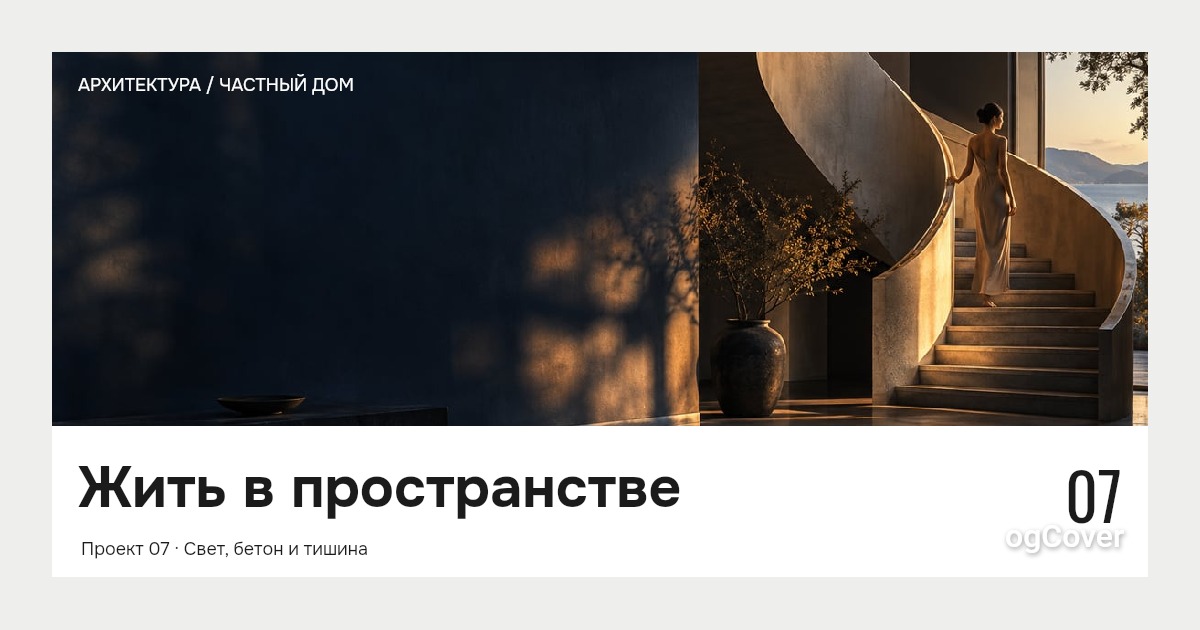
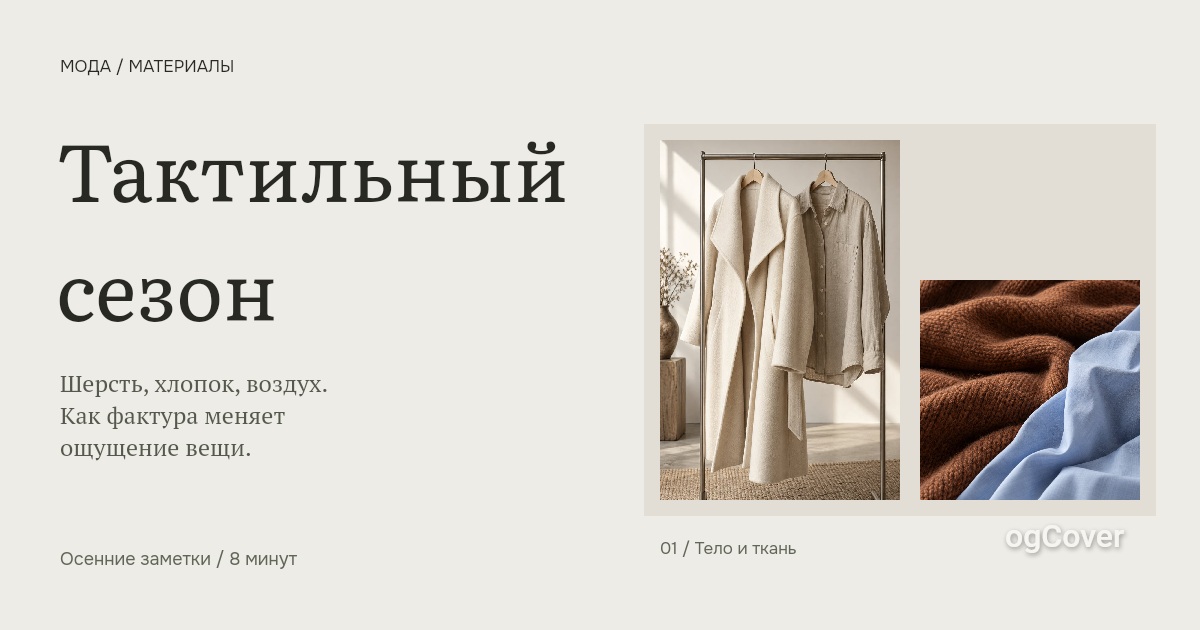
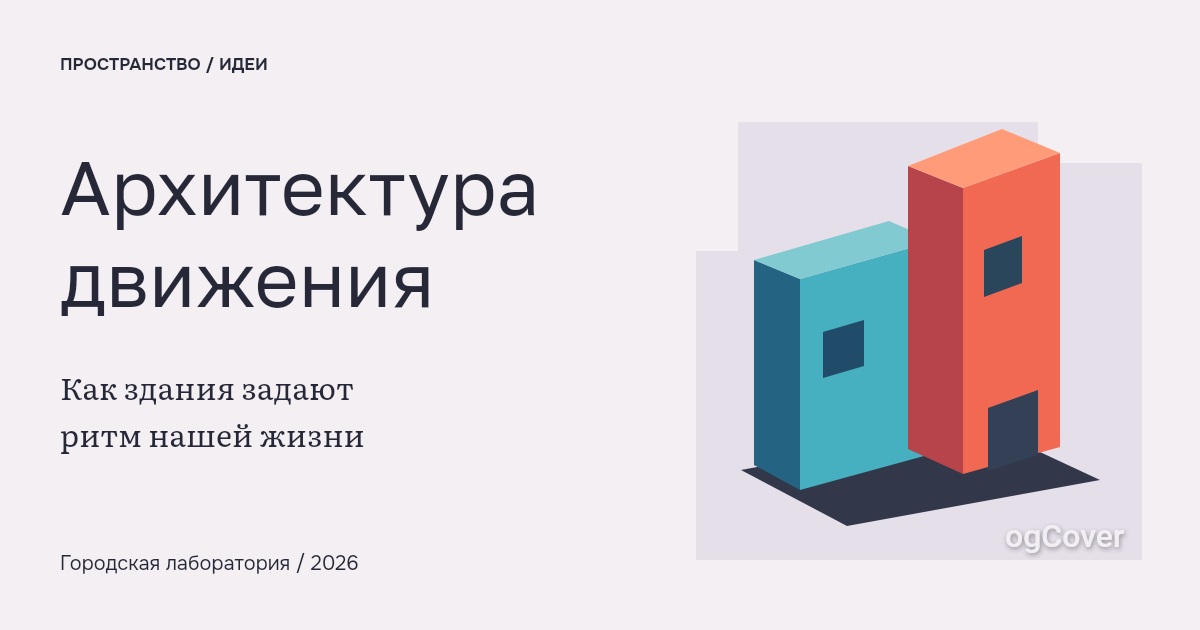
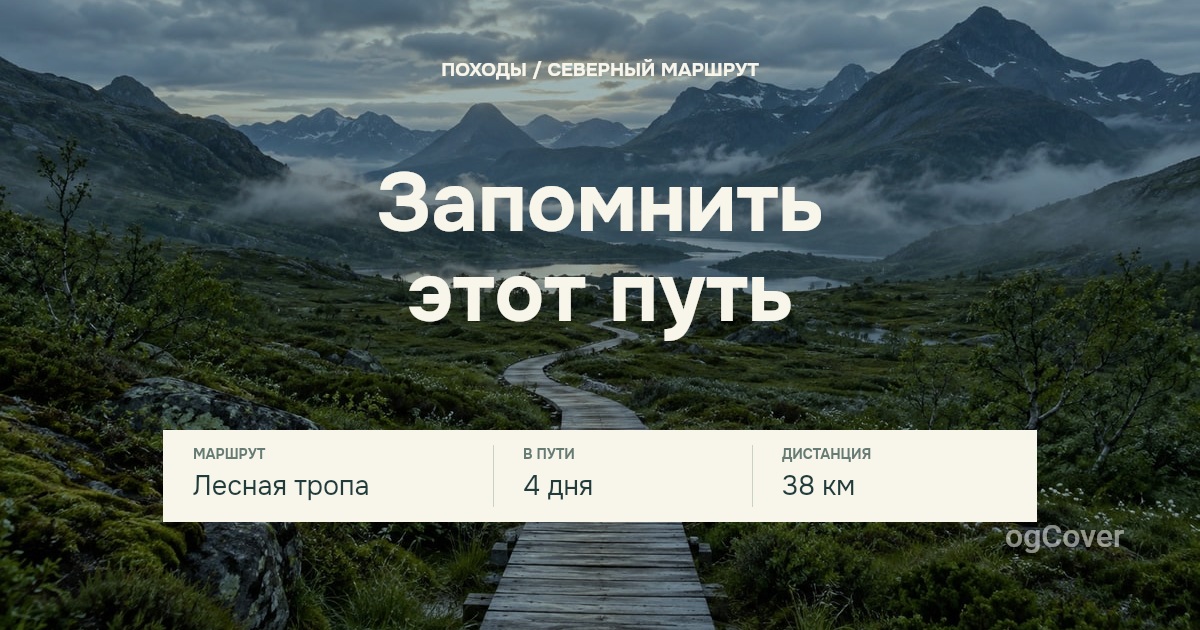
Choose a cover and make it fit your project. Try the editor without signing up; sign in to save your work.

Find your cover







FAQ
Frequently asked questions
Where will my cover appear?
In link previews on social platforms and messengers once your page has an og:image tag. For WordPress, install the ogCover plugin, connect your account, and choose a template. For another site, a developer can connect the API.
What can I change before signing up?
The text, colors, and layout of your chosen template. Sign in or create an account to save your work.
Do downloads use credits?
No. Previews and JPEG downloads in the guest and account editors are free. Credits and bonuses are only used for automatic generation through the API and integrations connected to your account, including WordPress and ChatGPT.
Why do I still see an old cover when I share my link?
Social platforms and messengers cache link previews. Check that your site has the new cover in its og:image tag, then refresh the preview with the platform's tool if needed. The old image may remain visible for a while.